Move data between databases without losing a weekend to a hand-rolled script
XferDB automates the mechanical, repetitive parts of a database migration — reading schemas, mapping types across vendors, moving data in checkpointed batches. It does not automate the decision about whether the result is correct. That part is still yours.
The pain of doing it by hand
Moving data from one database to another sounds simple until you actually do it. The work that eats the time isn't writing a copy loop — it's everything around it.
Schema review, table by table
Every column, type, constraint, and index has to be understood before anything moves — and that review doesn't get faster just because you've done it before on a different schema.
Type conversion across vendors
Postgres's jsonb isn't MySQL's json. A MySQL tinyint(1) isn't a boolean until someone decides it is. Every type that doesn't map 1:1 is a judgment call, repeated per column.
Runs that fail halfway
A migration that dies at row 4 million shouldn't mean starting over — but a hand-rolled script usually does, because nobody built in a way to resume.
No record of what happened
Did table X finish? Did table Y get skipped? Without checkpoints and structured output, the only way to know is grepping logs after the fact.
The goal: take the labor out, leave the judgment in
XferDB exists because reviewing a schema and converting it from one vendor's types to another's is real, valuable work — and typing out the same batching and checkpointing logic for the tenth migration is not.
Schema introspection & diff
Reads the source schema, diffs it against the target, and flags type mismatches and missing columns before data moves.
Type-mapping suggestions
Proposes a mapping for types that don’t translate 1:1 between engines — a starting point to review, not a decision made for you.
Checkpointed, resumable transfer
Upsert by default with per-batch checkpoints, so a crash or a Ctrl+C means resuming from the last batch, not starting over.
Preflight & diagnostics
Verifies connectivity, permissions, and SSL before touching data, and can package a redacted support bundle when something needs a second set of eyes.
What XferDB doesn't replace
XferDB removes the manual labor — the typing, the repetitive batch scripts, the babysitting of a migration that dies at 2am. It does not remove the judgment call. Two things still need a human on the other end, every time:
Review the schema. XferDB will infer a target schema and suggest type mappings across vendors — that's a starting point for review, not a verdict. Someone still has to look at whether a suggested mapping actually makes sense for that column.
Confirm the app is okay. A successful migration — right row counts, right types — is not the same thing as a working application on the other side. Someone still has to point the app at the new database and confirm it behaves correctly.
XferDB gets you to the point where that review is fast and well-informed — not to the point where it's unnecessary.
More databases, including vector stores
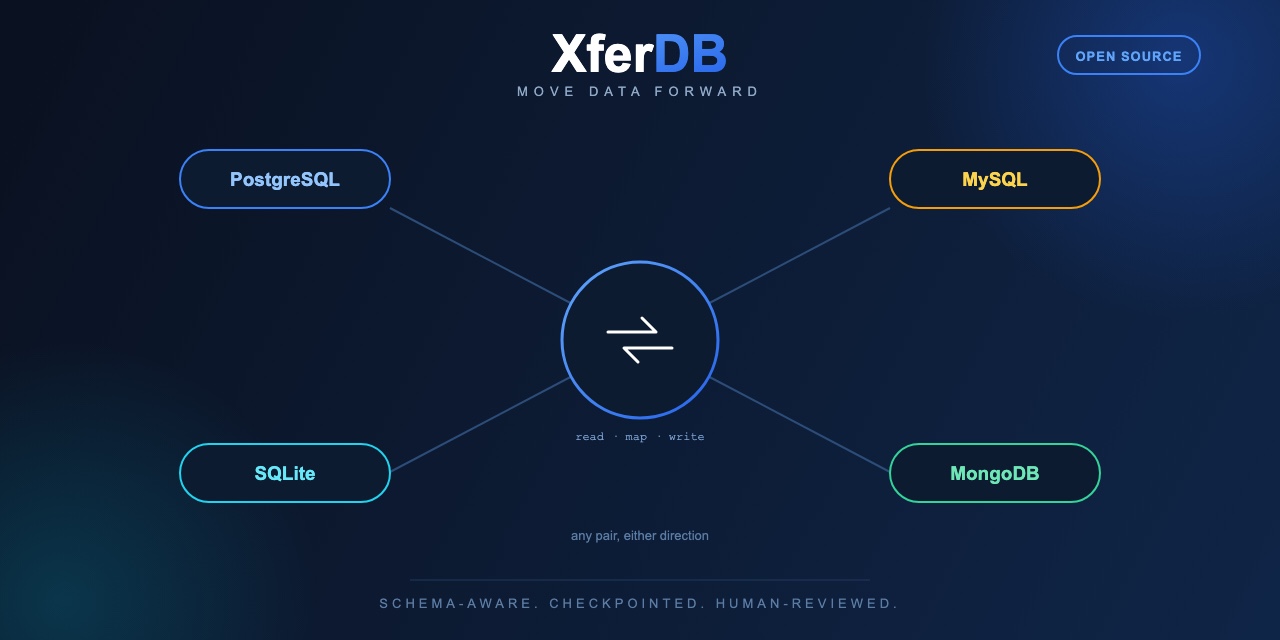
PostgreSQL, MySQL, SQLite, and MongoDB are supported today. That list isn't finished.
Cassandra
PlannedPartition keys, TTLs, and collection types are a different shape than a relational schema — that adapter is next up.
Vector databases
ExploringPinecone, Weaviate, Qdrant, pgvector. "Move my embeddings" is turning into the same problem as "move my rows" — dimension counts and index types instead of column types.
Try XferDB on a real migration
Single static binary. No JVM, no Python runtime, nothing to install.
If XferDB saved you a weekend, consider sponsoring the project on GitHub. It's a one-person project — sponsorships go toward the boring stuff that keeps it reliable: the compatibility test infrastructure behind every "27/27 passing" release, and yes, coffee.
Sponsor on GitHub